Before Uploading
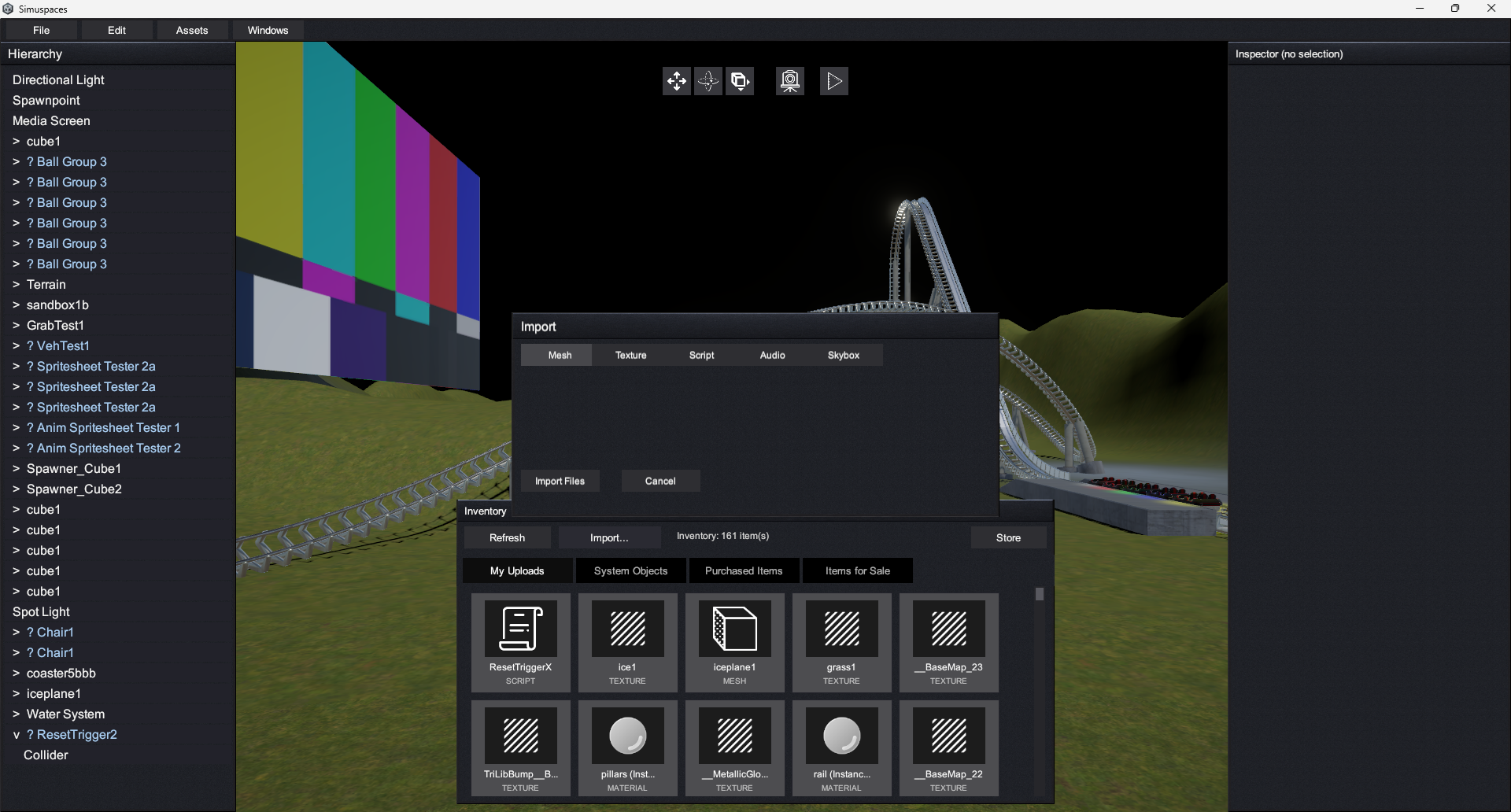
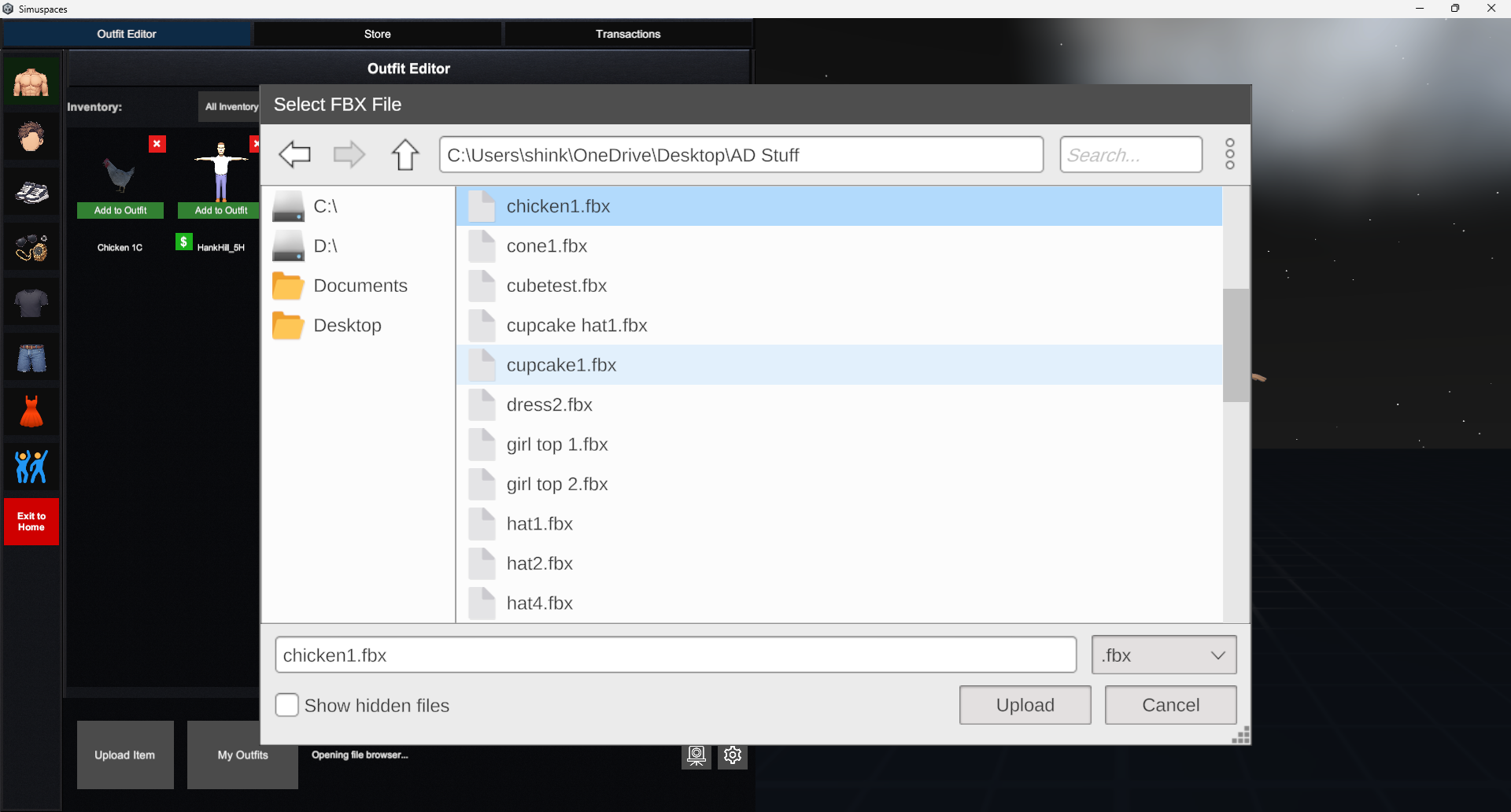
Prepare your files before opening the upload flow. Use clear names, remove test files, and make sure you have permission to upload every model, texture, image, sound, or other asset included.
Use Simuspaces Skeleton.fbx as the rig target for avatars and clothing. The same skeleton is used across Simuspaces so uploaded bodies and wearable clothing can work together correctly.
AvatarA full character model or avatar base intended for the Avatar Editor.
ClothingWearable items such as shirts, pants, jackets, shoes, gloves, or similar outfit pieces. Clothing uploads must be bound to the Simuspaces skeleton.
AccessoriesAttachable items such as hats, glasses, props, jewelry, or handheld objects. Accessories do not have to be rigged, but they may include their own skeleton for Dynamic Bone setups like tails, hair, capes, or other secondary motion.
Scene ItemsObjects intended for placement inside worlds through the Scene Editor.