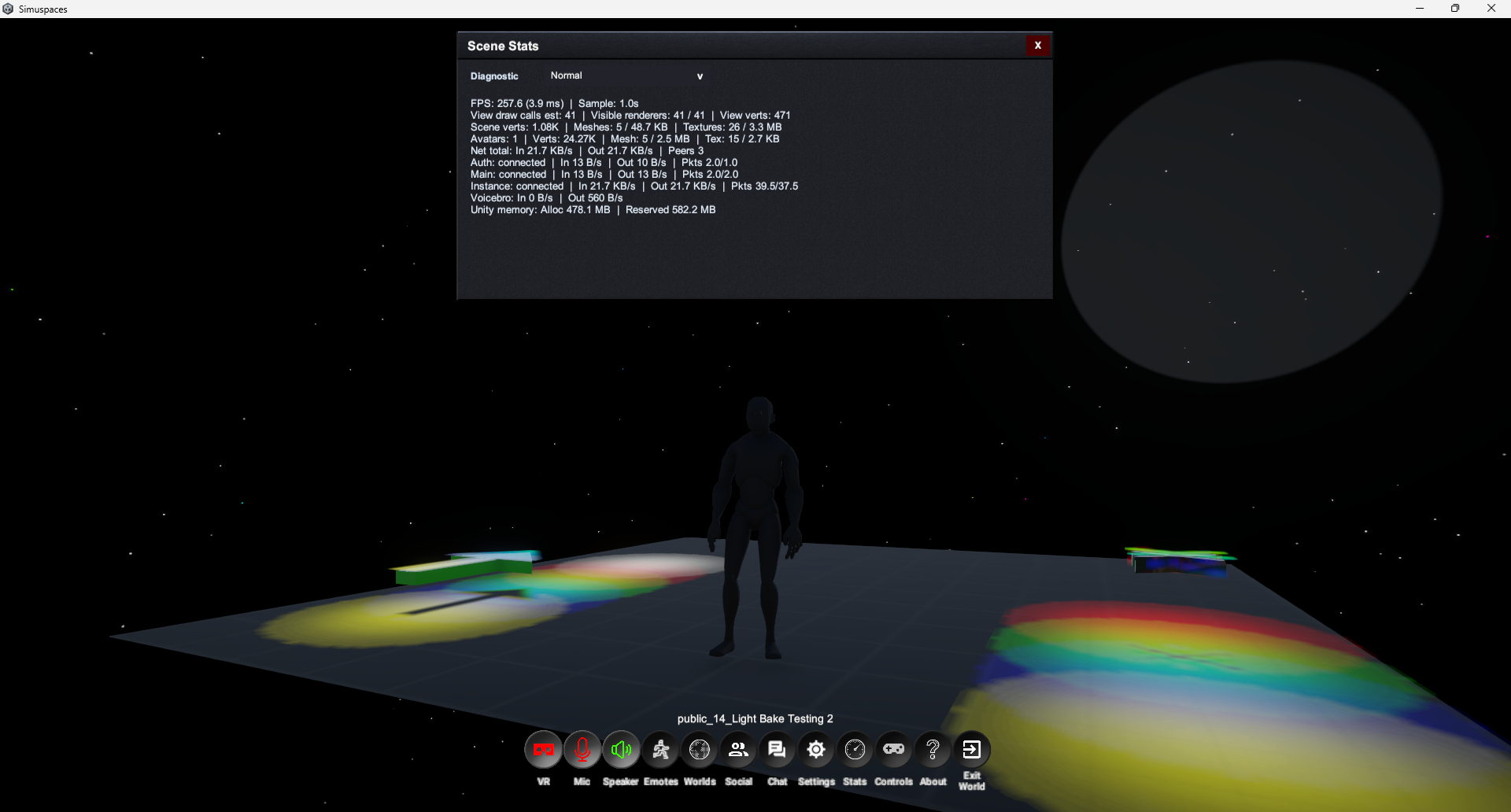
Open Settings
- Open the main menu, profile menu, or in-world menu.
- Select Settings.
- Choose a tab such as Graphics, Audio, Controls, Account, Privacy, or Comfort.
- Adjust the options you need.
- Apply or save changes if prompted.
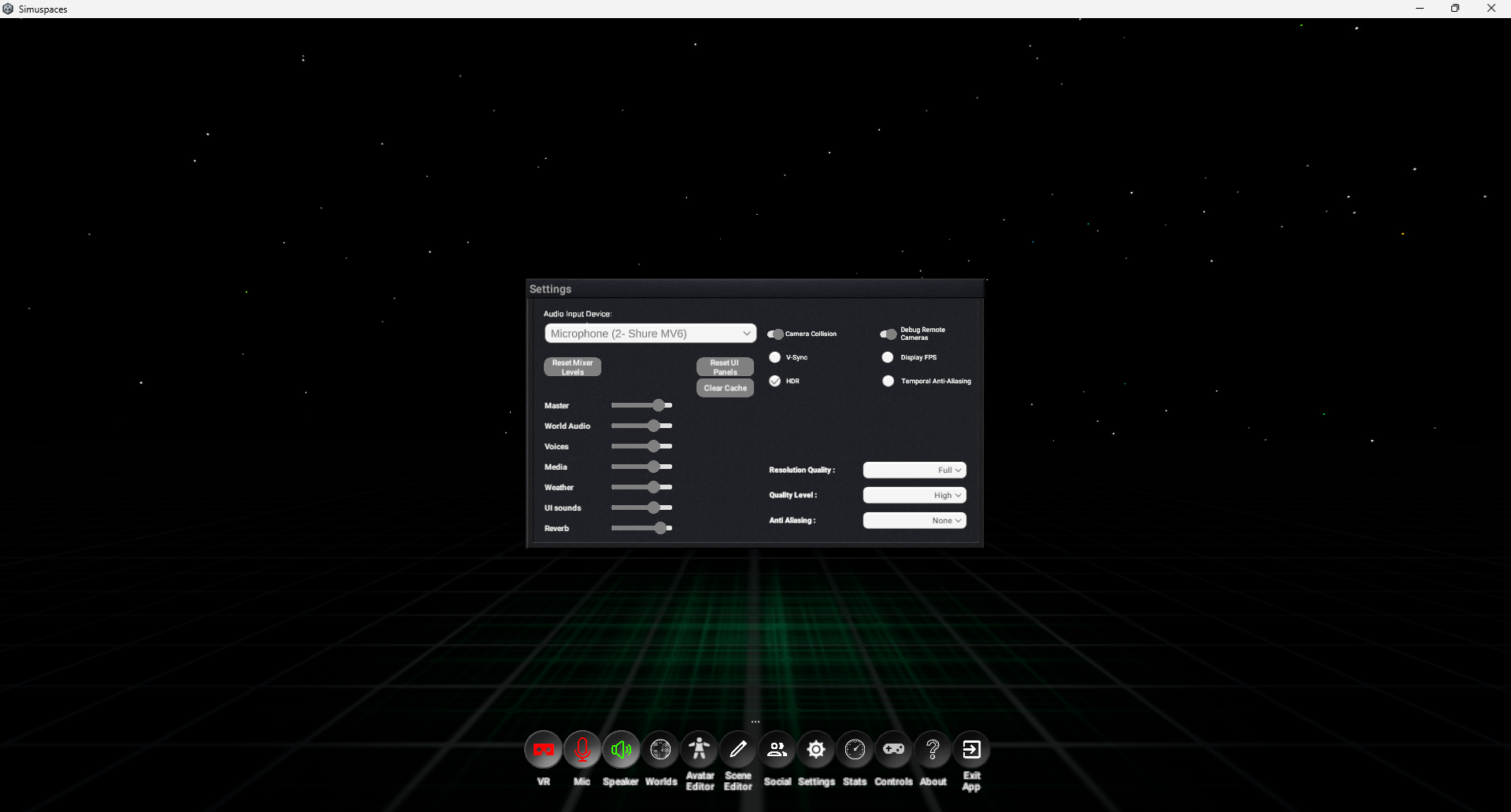

Preferences
Use Settings to tune performance, audio, controls, comfort options, account behavior, and other client preferences.
GraphicsQuality, resolution, shadows, view distance, effects, and performance-focused options.
AudioMaster volume, world audio, voice, media, and notification volume.
ControlsMovement, mouse, keyboard, controller, and interaction preferences.
ComfortOptions that reduce discomfort, motion intensity, or visual effects.
AccountSign out, account details, linked identity, or recovery links.
PrivacyVisibility, social, voice, and interaction preferences where available.
If worlds run slowly, start by lowering shadows, view distance, reflections, and effects. Use the stats panel while in-world and in the editor to help guide you. Use the diagnostic shaders, for example, Lighting Complexity, to see if you have overlapping lights in the scene -- this can cause a higher draw call total per frame, etc.