World creation

Scene Editor

Create a new world, place objects, adjust lighting and environment, and publish changes from the Scene Editor.

Wiki / Scene Editor

Create A New World

  1. Open Scene Editor from the dashboard or creator tools.
  2. Select Create New World or New Scene.
  3. Choose a blank template or starter template.
  4. Enter a name, description, thumbnail, and visibility setting.
  5. Create the world and wait for the editor to load.
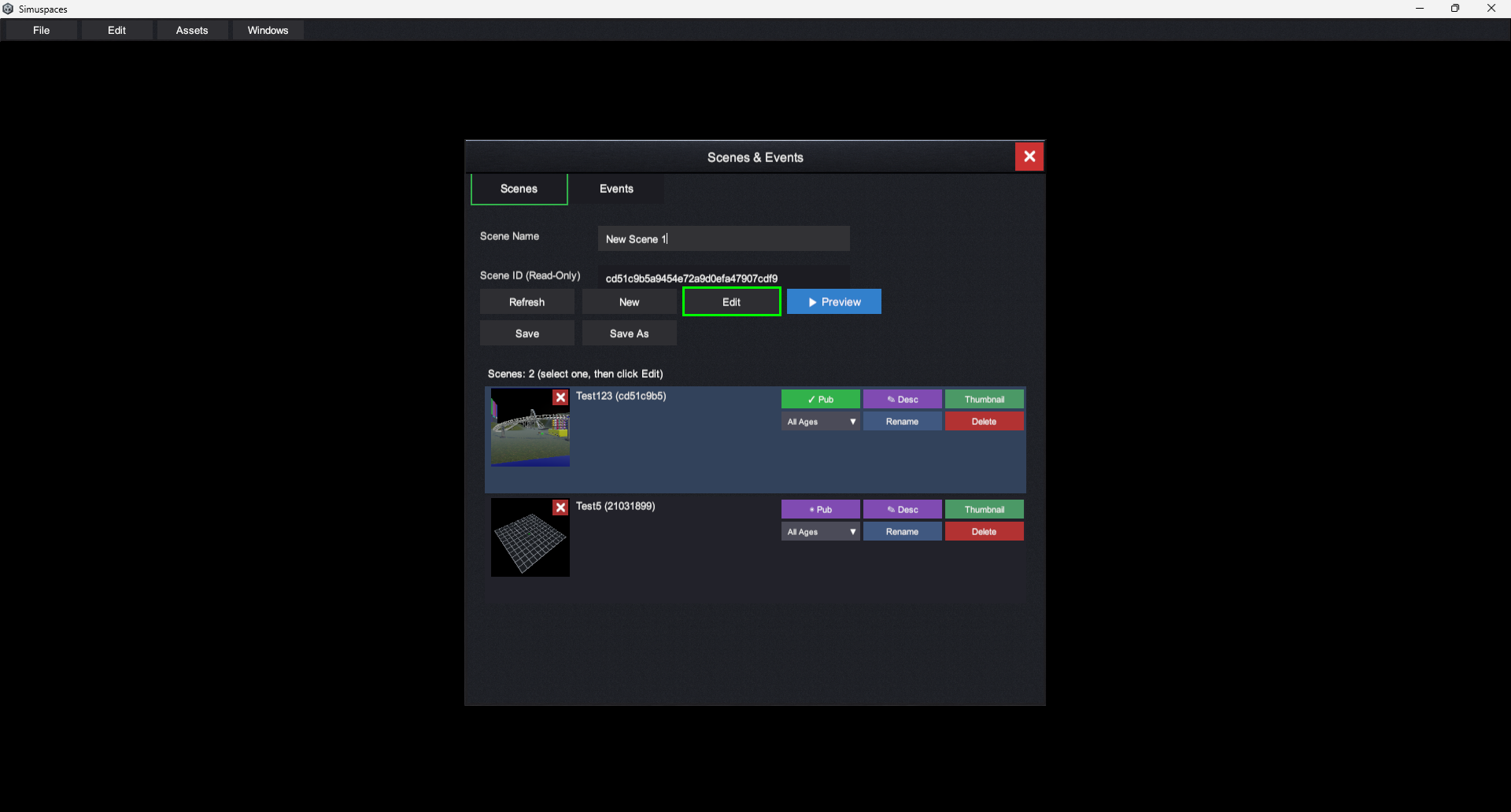
Create new world screen screenshot placeholder

Build The Scene

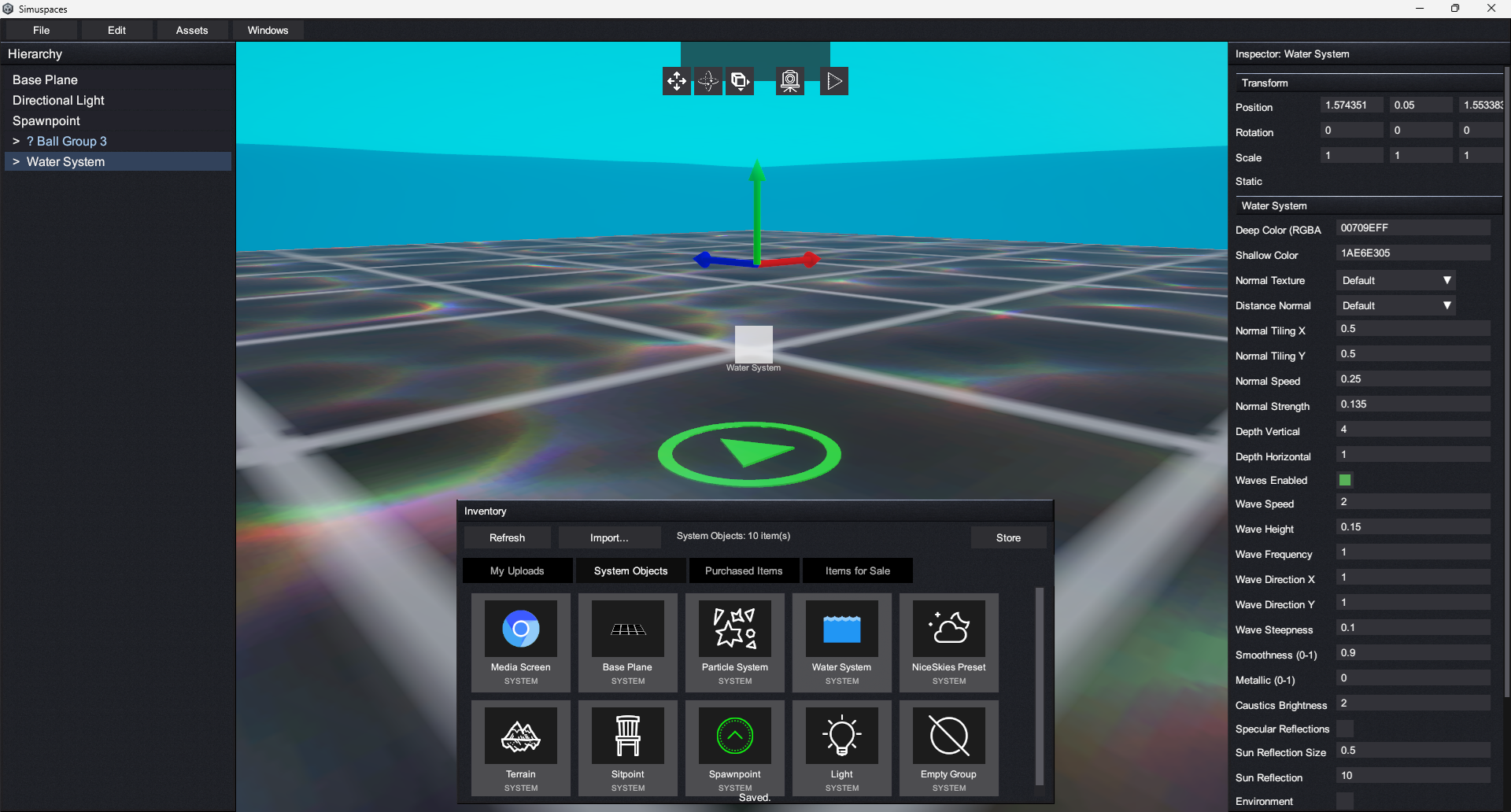
  1. Add objects from your inventory or the Store.
  2. Move, rotate, and scale selected objects with editor controls.
  3. Use the hierarchy or object list to organize content.
  4. Adjust object settings such as physics, collisions, visibility, media, lights, or interaction options.
  5. Set spawn points and other visitor-facing basics.
  6. Save or publish when the scene is ready.
Scene Editor object placement screenshot placeholder

Safe Editing Tips

  • Save often, especially before deleting groups of objects.
  • Test visitor spawn points before publishing.
  • Keep performance in mind: many lights, particles, media screens, and high-detail models can affect visitors.
  • Use private visibility while working on unfinished worlds.