
Support guide

Troubleshooting

Start here when the client will not install, login fails, a world will not load, or performance needs tuning.

Wiki / Troubleshooting

Quick Checks

Installer will not run

Download the installer again, make sure the file finished downloading, and run it from a local folder such as Downloads.

Cannot log in

Check username or email, reset the password if needed, and confirm the account has completed any required verification.

World will not load

Try another world, restart the client, clear the cache from the settings menu, check whether the world has access restrictions or an event time, try again.

Low performance

Lower graphics settings, close other heavy applications, and test a smaller world.

Avatar looks wrong

Open Avatar Editor, remove or fix the newest item, save again, reload the outfit.
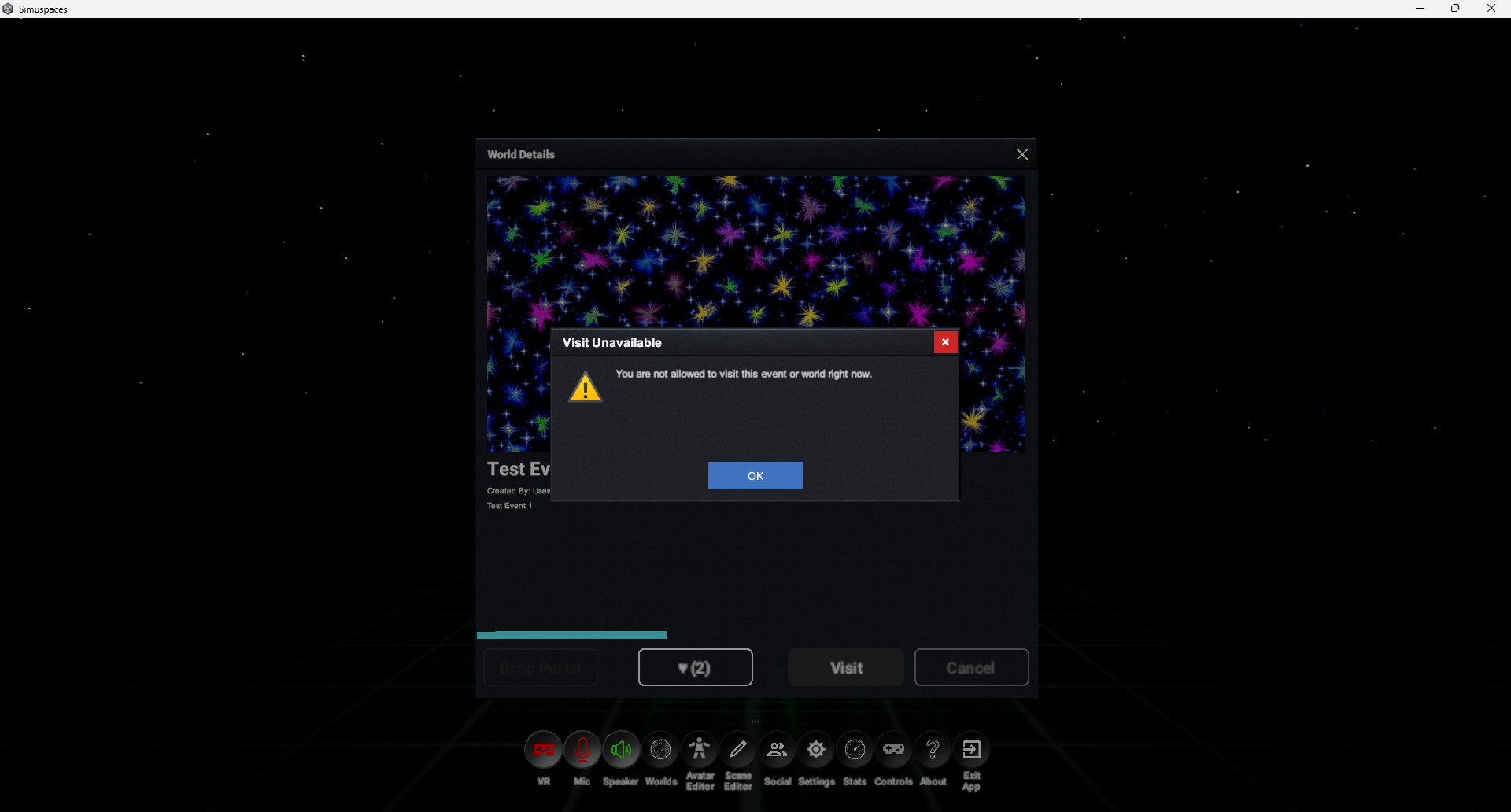
Useful Support Details

When asking for help, include what you were trying to do, what happened, your client version, the world or event name, and screenshots if available. Avoid sharing passwords, private tokens, or payment information.

Support details screenshot placeholder

Resetting A Bad State

  1. Exit the world and return to the dashboard.
  2. Open Settings and lower graphics quality if performance is the issue.
  3. Restart the client.
  4. Log in again.
  5. Try a known public world before returning to the problem world.