Hosting guide

Create An Event

Use an existing world as the event location, configure the event details, and publish it for guests.

Wiki / Events

Create An Event From An Existing World

  1. Open Scene Editor or the creator dashboard.
  2. Select the existing world you want to use as the event location.
  3. Choose Create Event or Schedule Event.
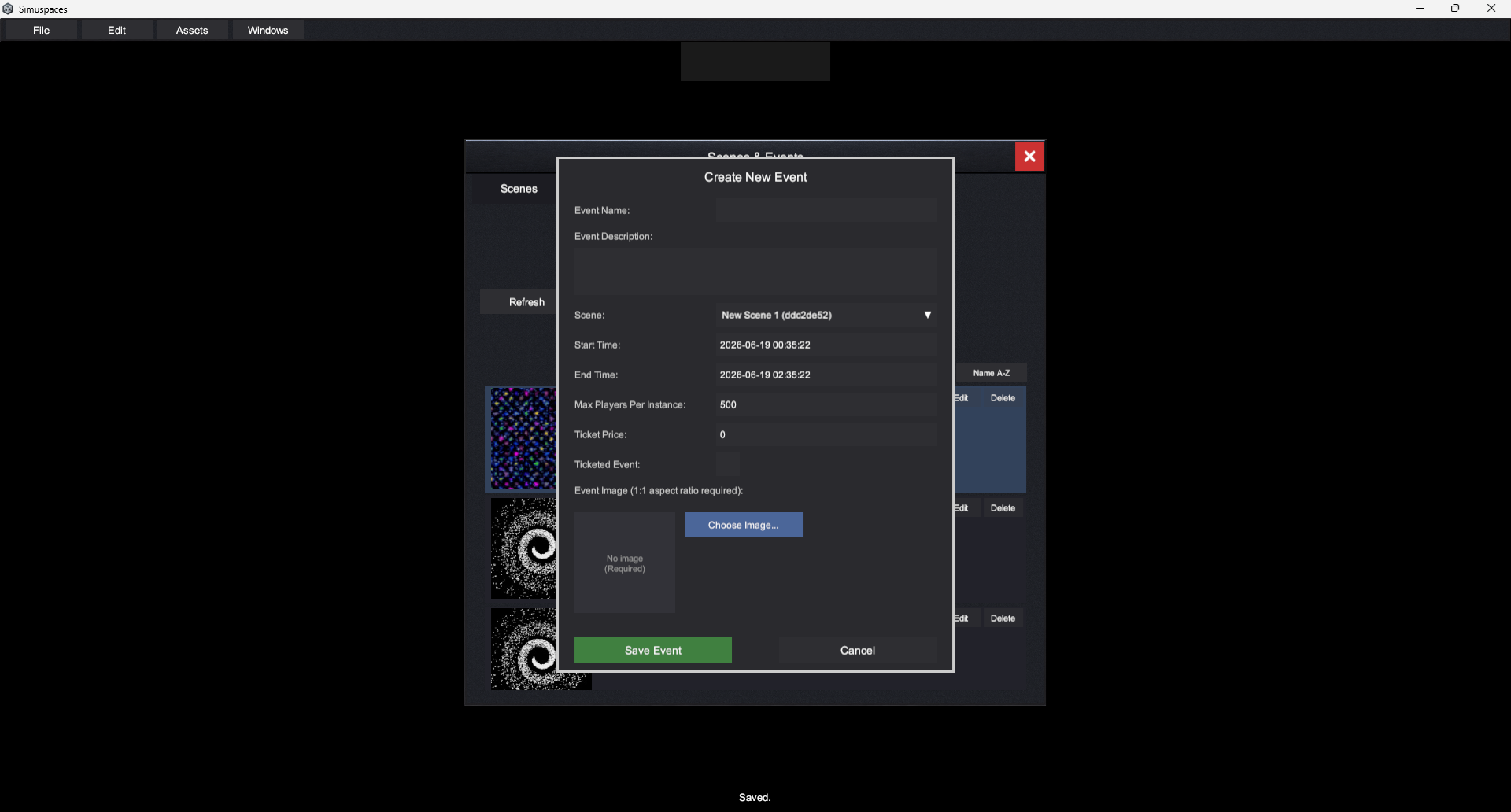
  4. Enter title, description, start time, end time, timezone, capacity, and visibility.
  5. Add a thumbnail or banner image if available.
  6. Choose whether guests can enter early, whether the event is public or invite-only, and whether tickets or access rules apply.
  7. Preview the event listing, then publish or save as draft.
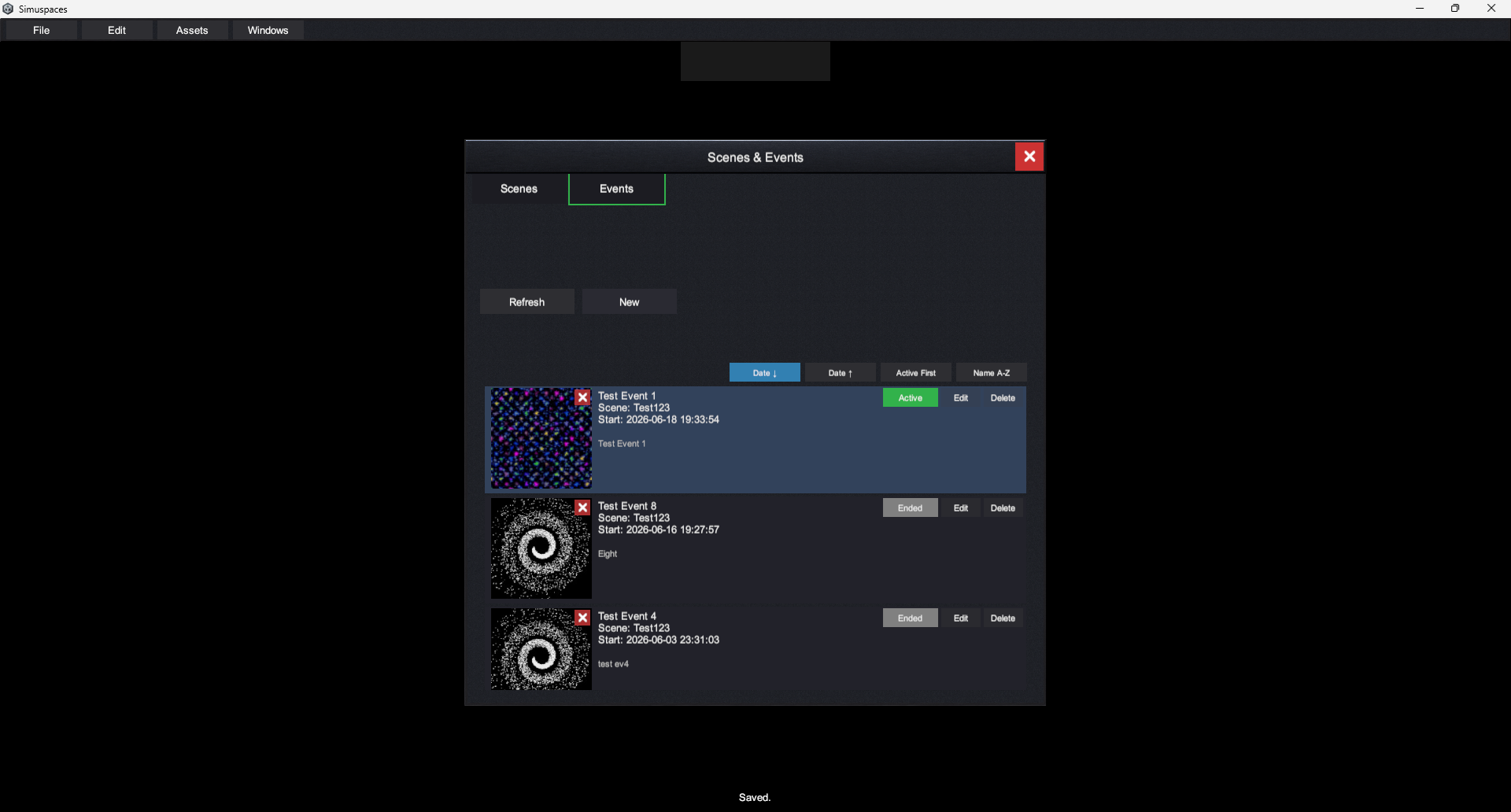
Create event from existing world screenshot placeholder
Event details form screenshot placeholder

Prepare The World Before The Event

  • Confirm the spawn point is correct.
  • Check any media screens, stage props, links, or interactive objects.
  • Test the world with the expected graphics settings.
  • Make sure hosts or moderators have the access they need.
  • Join early and verify the event page routes guests to the correct world.

After Publishing

Share the event page or invitation link. If details change, return to the event settings, update the listing, and save. For major changes, notify guests outside the listing too.