Wiki basics

Basics

Use this page to understand the main Simuspaces areas before installing, joining a world, or creating content.

Wiki / Basics

What You Can Do

Simuspaces is built around shared worlds, customizable avatars, creator inventory, and live events. Most users start by joining a public world, then customize their avatar and save favorite places.

Worlds

Shared 3D spaces where people meet, explore, attend events, or build scenes.

Avatar

Your visible character. You can change outfits, attach accessories, and upload supported avatar content.

Inventory

Items you own or have access to, including avatar pieces, scene objects, and uploaded content.

Store

The place to find items that can be used in outfits or scenes.

Avatar Editor

The user-facing editor for outfits, clothing, accessories, and avatar preview.

Scene Editor

The user-facing editor for creating worlds, arranging scene objects, and preparing events.
First Session Checklist

  1. Install the Simuspaces client.
  2. Register or sign in with your account.
  3. Pick or create your avatar look.
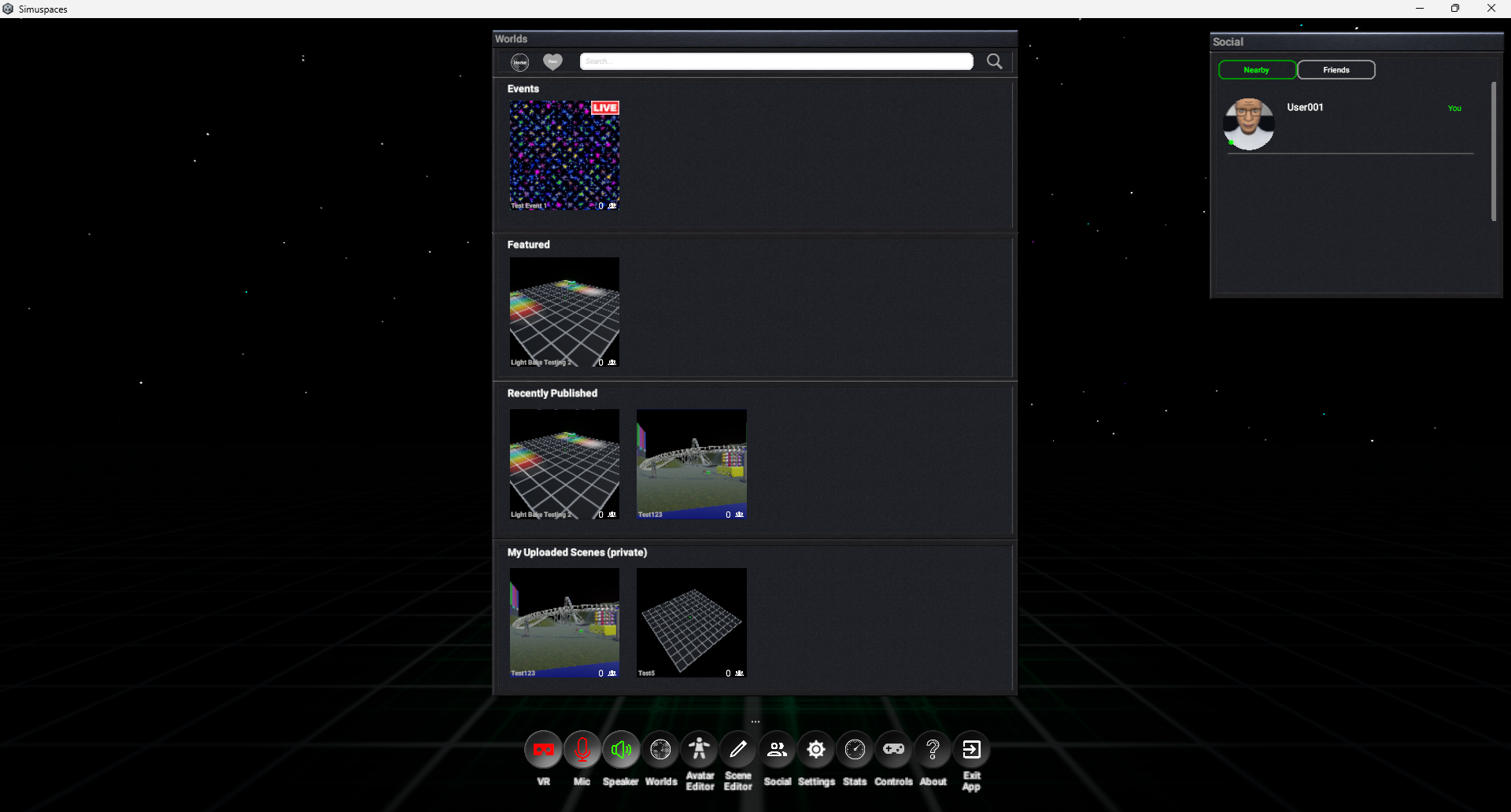
  4. Join a world from the world list or an invitation link.
  5. Open Settings if you need to adjust graphics, audio, controls, comfort, or account options.
First session dashboard screenshot placeholder

Navigation Notes

The exact labels may vary as the client evolves, but the main flow should stay familiar: use the home or world browser to enter spaces, the Avatar Editor to manage your look, the Store to find items, and Settings for preferences.

If a button is unavailable, check whether you are signed in, whether the item belongs to your account, or whether the world or event requires permission.