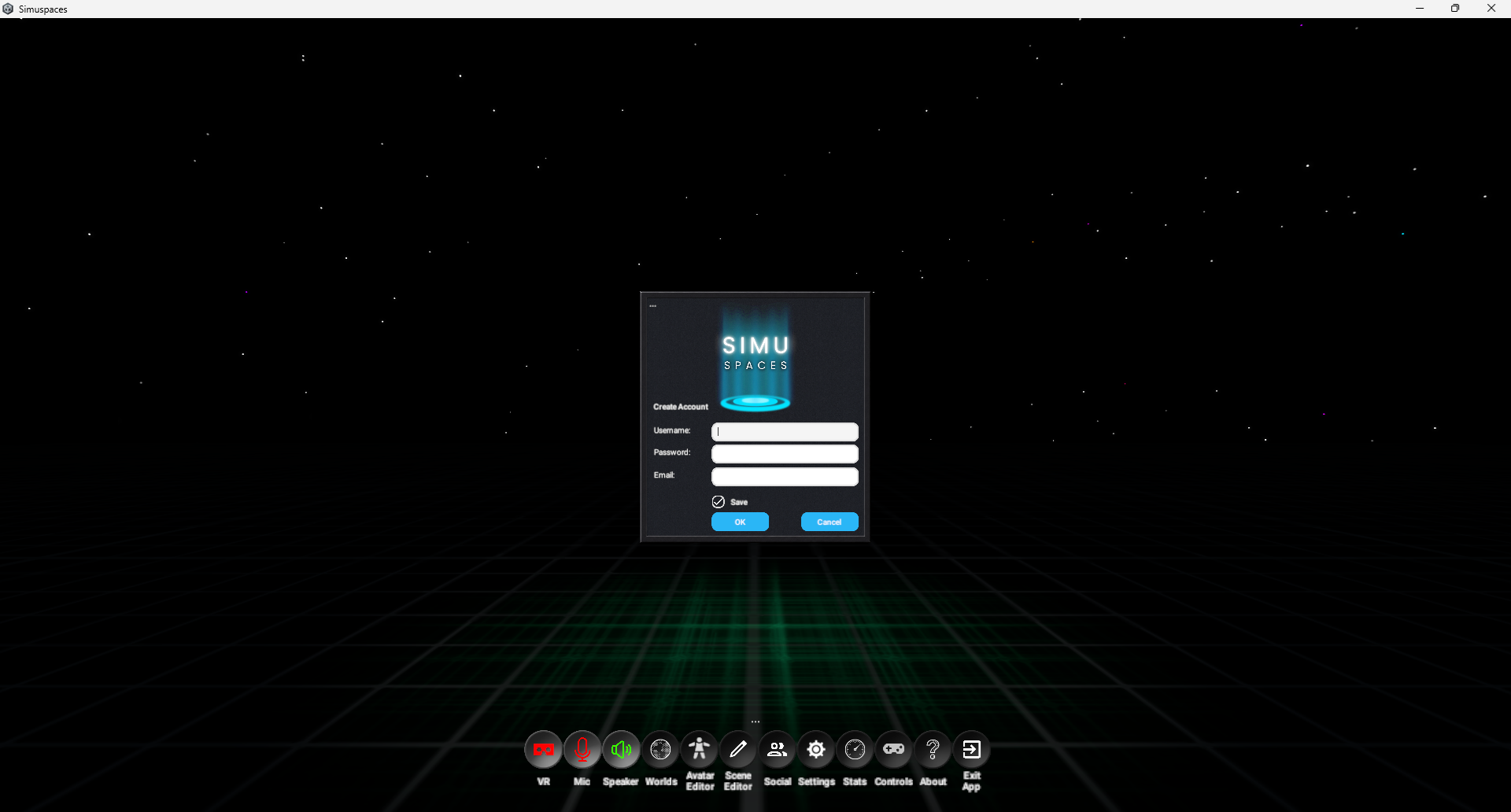
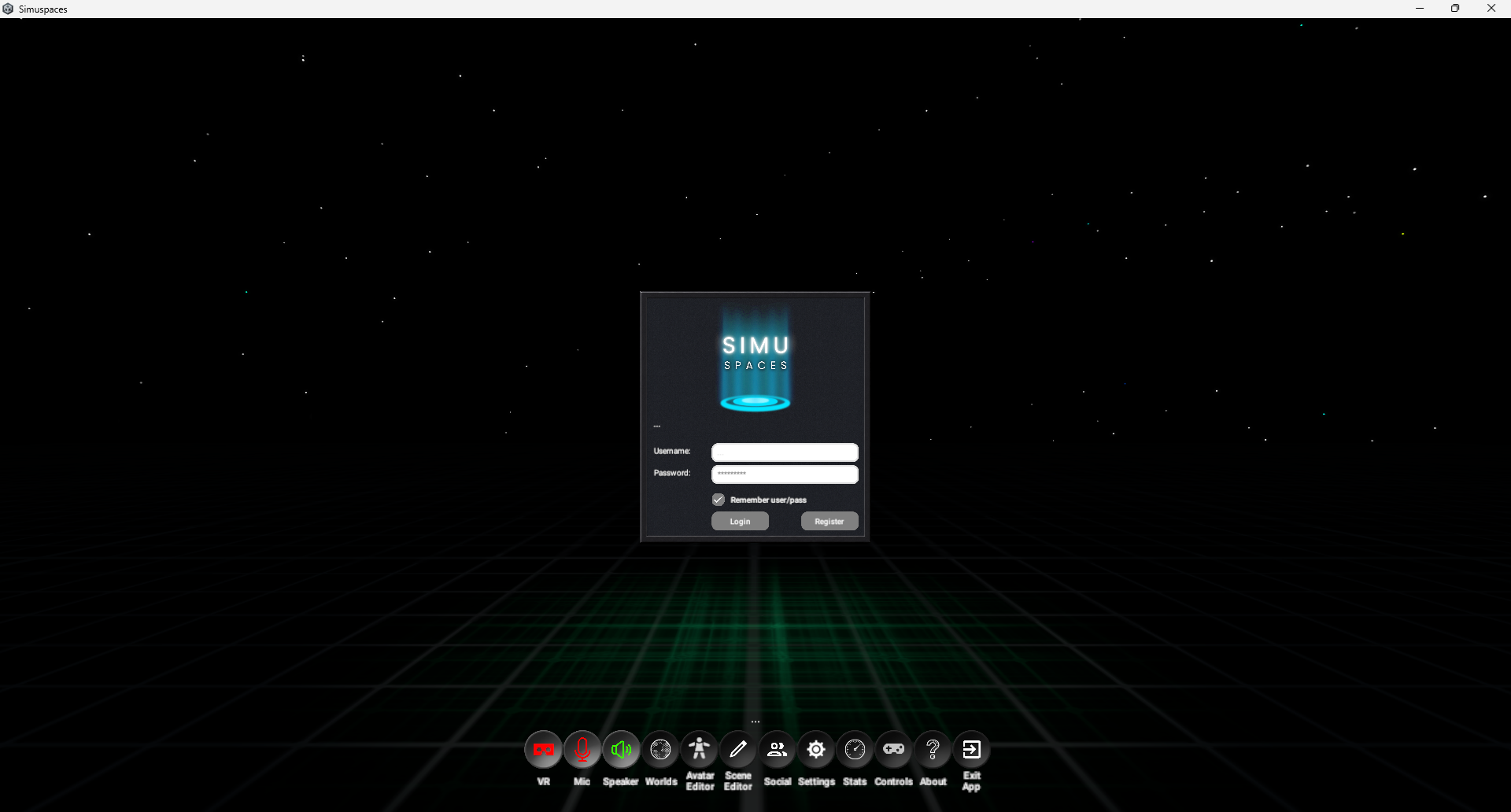
Create an account, sign in to the client, and recover access if you forget your password.
Wiki / Account And Login
Register An Account
Open Simuspaces or the account page from the website.
Choose the create account or register option.
Enter your email, username, and password.
Submit the form and complete any verification prompt.
Return to the client and sign in with the same account.
Log In
Launch Simuspaces.
Enter your email or username and password.
Select Sign in.
If prompted, complete verification.
Wait for the home dashboard or world browser to load.
Password Recovery
Use the password reset page when you still have access to the email on the account. After resetting, return to the client and sign in with the new password.